
Best Mouse for Work (2026): Budget vs Mid vs Premium Compared
Quick Verdict.
A brief overview of our top picks in this guide.
The Lineup.
View our top selections side-by-side to easily find the piece that perfectly matches your setup and budget.
| Category | Product | Best For | Price | Action |
|---|---|---|---|---|
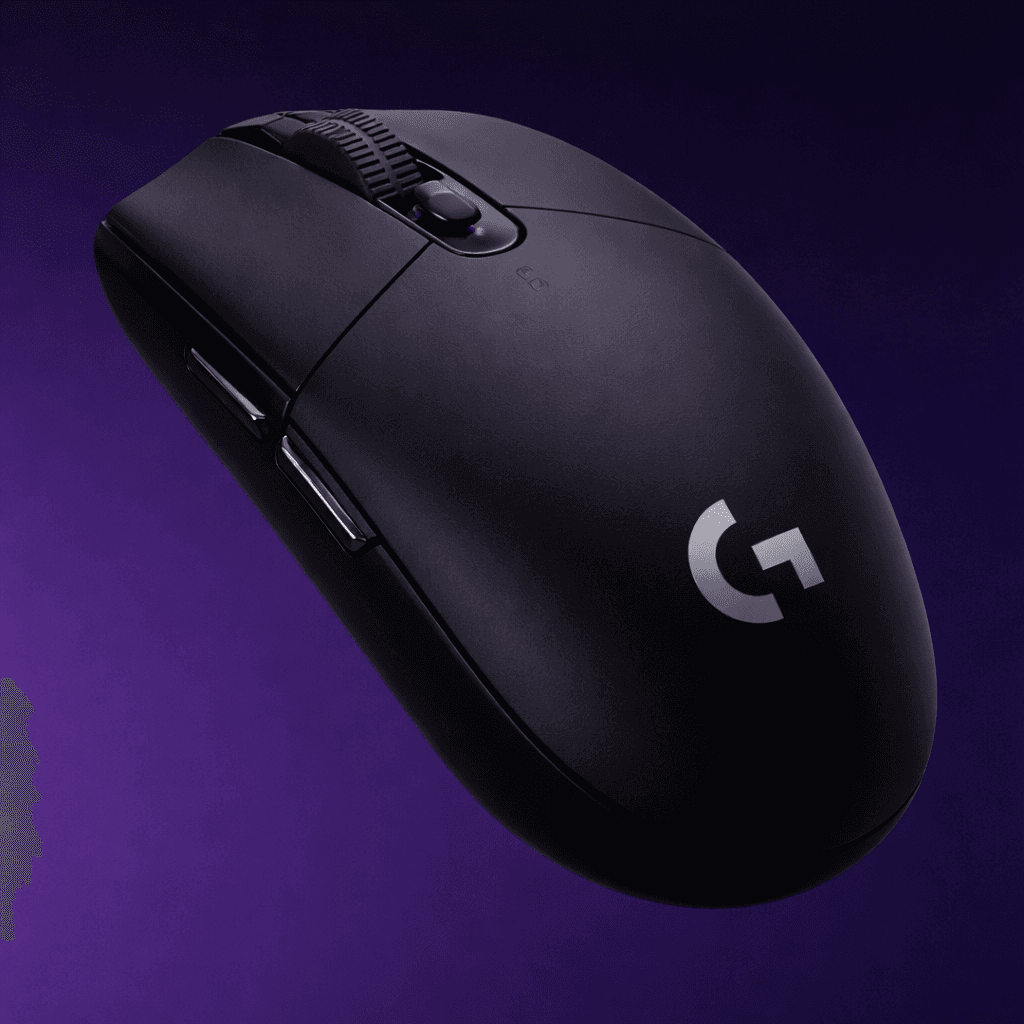
| Best Overall | Logitech G309 LIGHTSPEED Wireless Mouse | Developers, senior engineers, and gamers who want balance. | under 50$ | Buy |
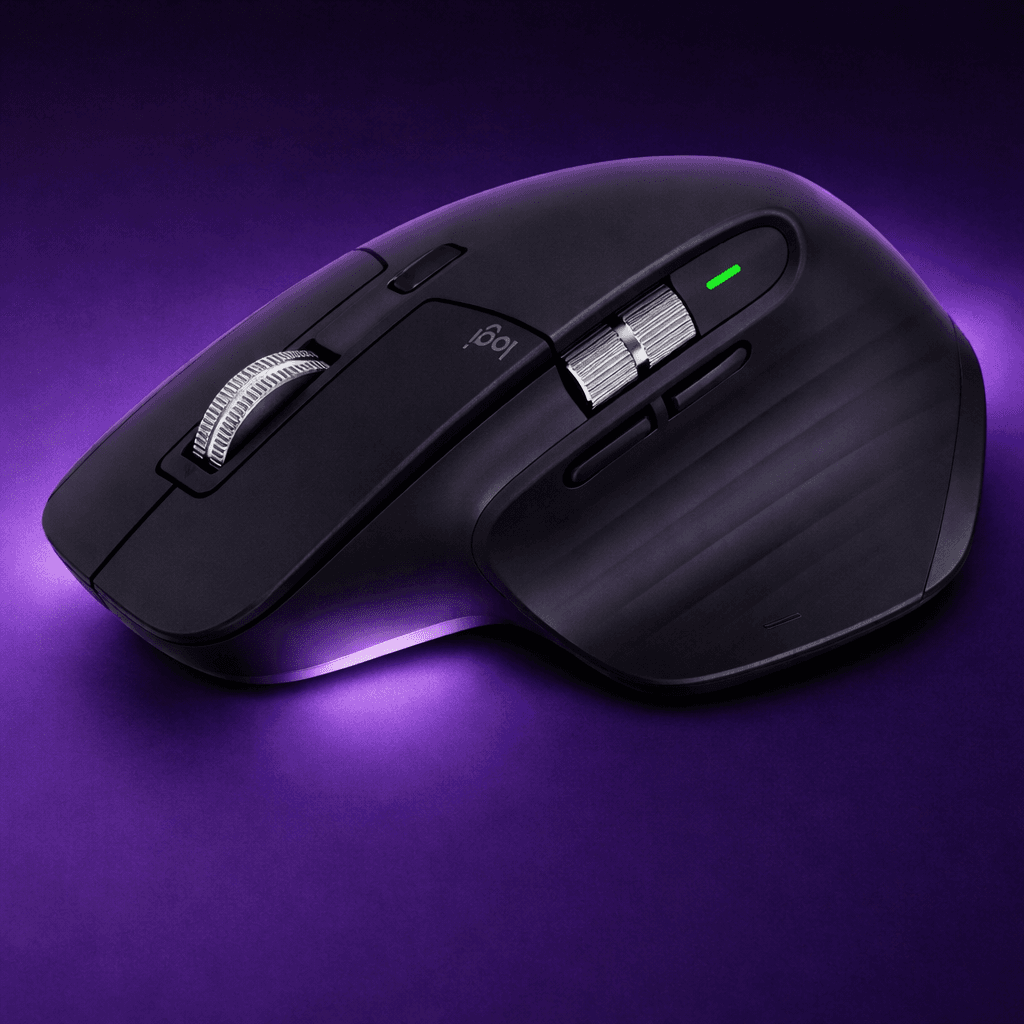
| Premium Pick | Logitech MX Master 3S Mouse | Professionals who want advanced productivity features. | Under 90$ | Buy |
| Best Budget | Logitech G305 Lightspeed Wireless Mouse | Students, entry‑level gamers, or anyone on a tight budget. | Under 25$ | Buy |
Top Picks in Detail
Looking for the best mouse for work? Compare budget, mid-range, and premium mice to find the best option for your setup, comfort, and productivity.

Logitech G309 LIGHTSPEED Wireless Mouse
Logitech G305 Lightspeed Wireless Mouse
Introduction
When it comes to building a productive desk setup, the mouse you choose can directly impact your comfort, speed, and overall workflow. Logitech offers some of the most reliable options across every price range — from premium productivity tools to budget-friendly performers.
In this guide, we compare three popular Logitech mice:
- Premium: Logitech MX Master 3S
- Midrange (Best Overall): Logitech G309 LIGHTSPEED
- Budget: Logitech G305 LIGHTSPEED
Premium Choice – Logitech MX Master 3S
Best for: Professionals and productivity-focused users
Highlights
- MagSpeed electromagnetic scrolling
- Ergonomic design for long hours
- Multi-device and multi-OS support
Pros
- Excellent build quality
- Extremely comfortable for extended use
- Powerful productivity features and shortcuts
Cons
- Higher price point
- Not ideal for gaming due to weight
Midrange Choice – Logitech G309 LIGHTSPEED (Recommended)
Best for: Developers, professionals, and gamers who want balance
Highlights
- LIGHTSPEED wireless with Bluetooth support
- Lightweight and compact design
- High-performance sensor
Pros
- Dual connectivity (USB and Bluetooth)
- Versatile for both work and gaming
- Portable and easy to use
Cons
- Smaller size may not suit larger hands
Why it’s the best choice
The Logitech G309 LIGHTSPEED offers the best balance between performance, portability, and price. It is widely preferred by developers and professionals who need a reliable mouse for both coding and gaming. It delivers strong performance without the premium price tag.
Budget Choice – Logitech G305 LIGHTSPEED
Best for: Students and budget-conscious users
Highlights
- HERO sensor for precise tracking
- LIGHTSPEED wireless performance
- Long battery life
Pros
- Affordable and reliable
- Lightweight and responsive
- Great performance for the price
Cons
- No Bluetooth support
- Fewer premium features
Conclusion
If you’re looking for the best overall Logitech mouse, the Logitech G309 LIGHTSPEED stands out as the ideal choice. It offers a strong balance of speed, comfort, and versatility.
- Choose the MX Master 3S if your focus is productivity and comfort
- Choose the G309 LIGHTSPEED if you want the best all-round performance
- Choose the G305 if you need a reliable option on a budget
Expert Verdict.
Based on performance, build quality, and minimalist integration, here is how we rank the elite components in this system.
Trending ( 2.6k+ Views )
Save this Best-Of guide on Pinterest