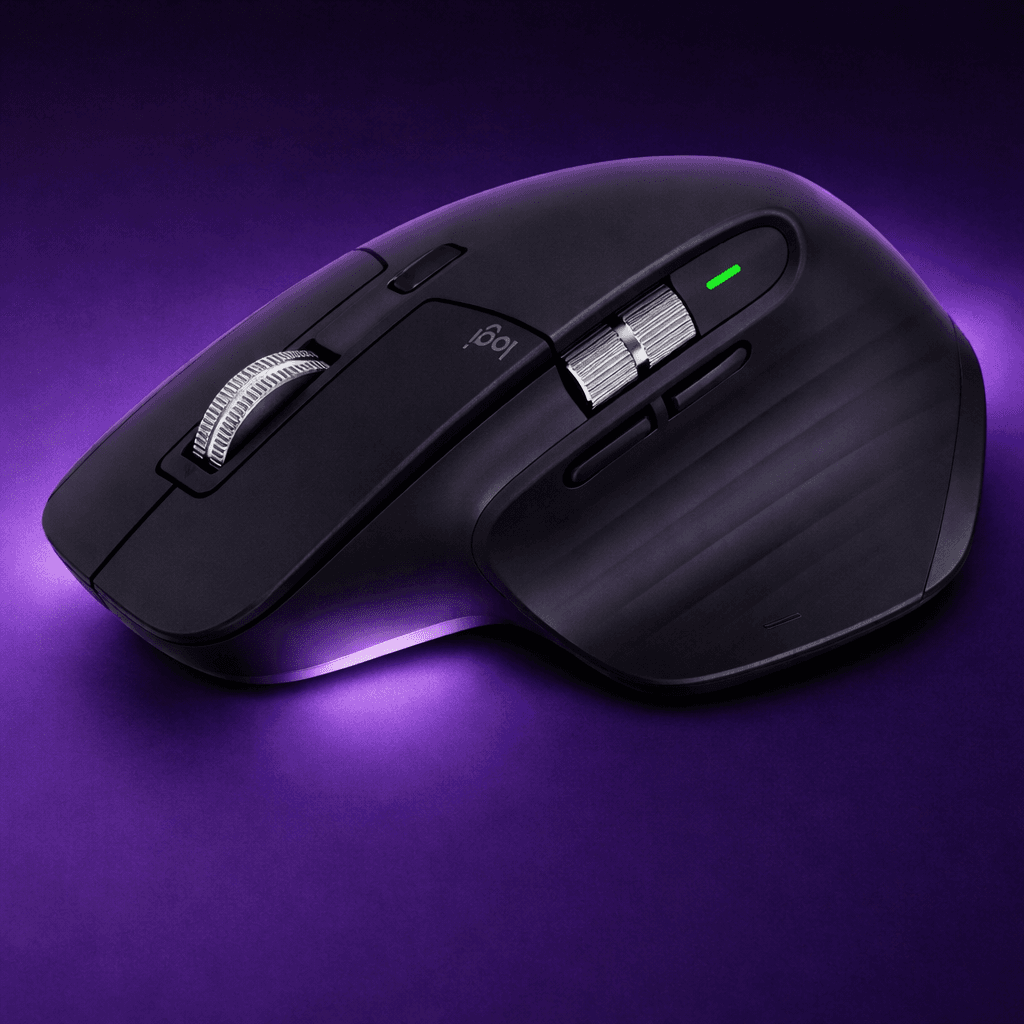
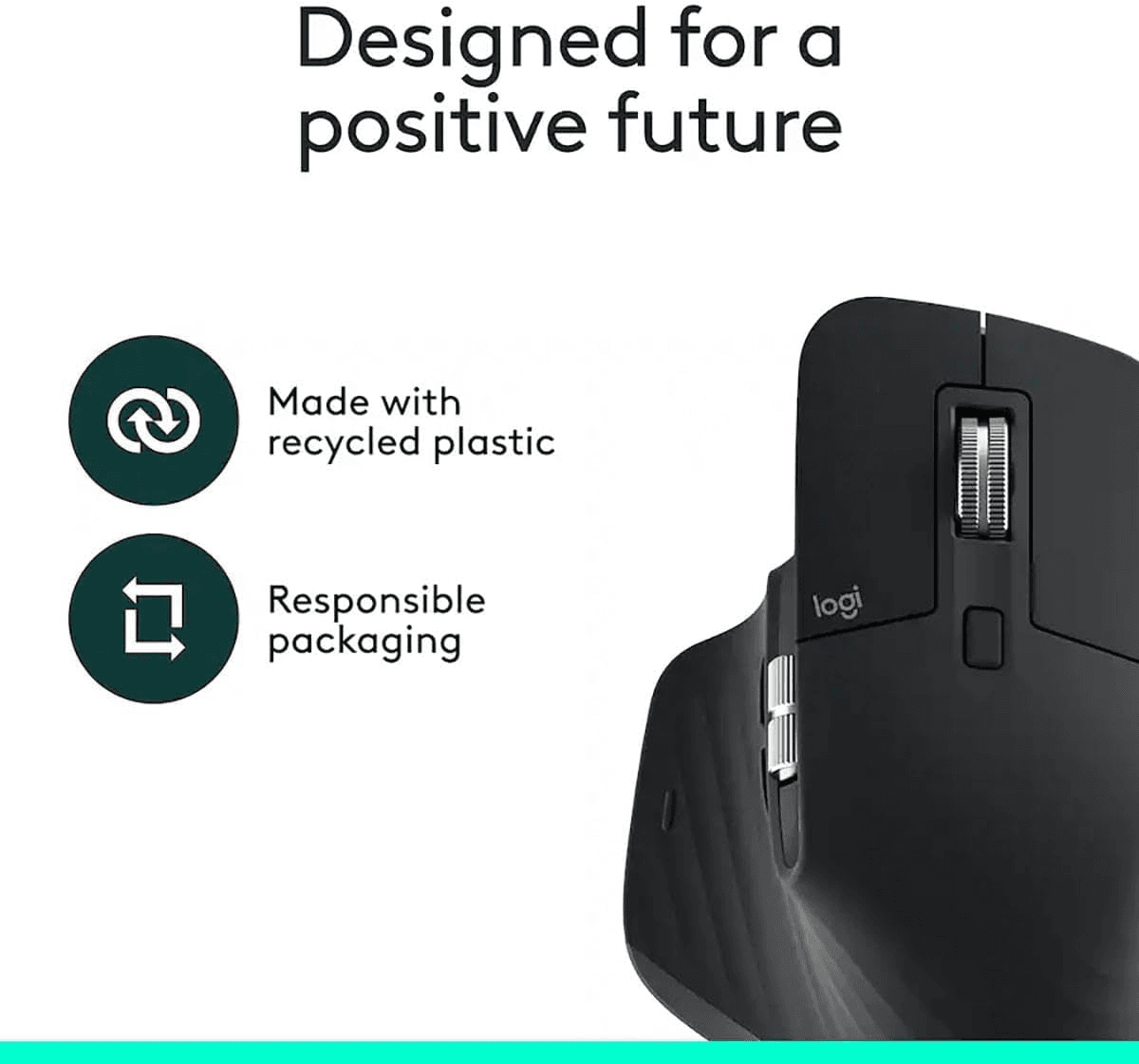

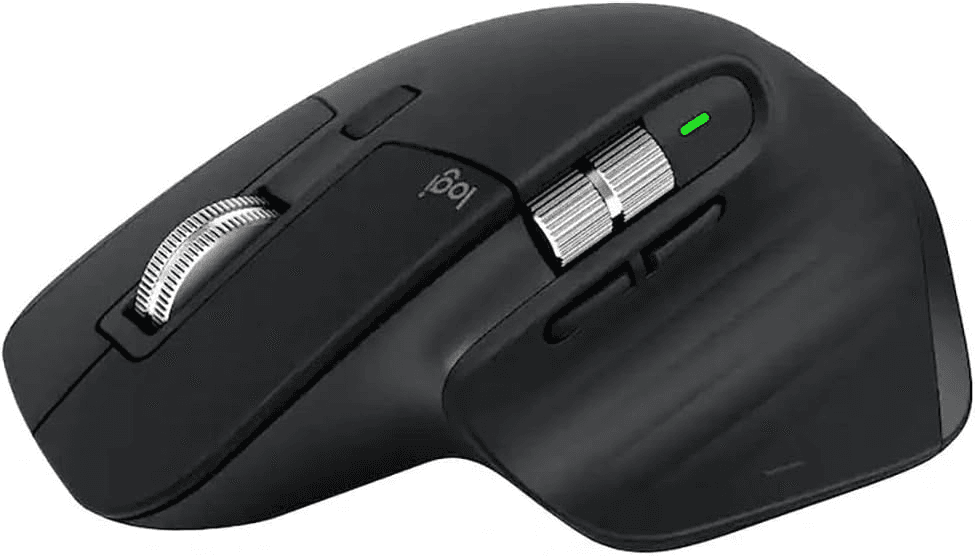
Logitech MX Master 3S Mouse
Primary Use Case
Productivity
Price Tier
N/A
Useful For
*We only recommend products we have researched. This may contain affiliate link (no extra cost to you).
Logitech MX Master 3S - Performance Wireless Mouse with Ultra-Fast Scrolling, Ergo, 8K DPI, Track on Glass, Quiet Clicks, Bluetooth, Windows, Linux, Chrome, Black
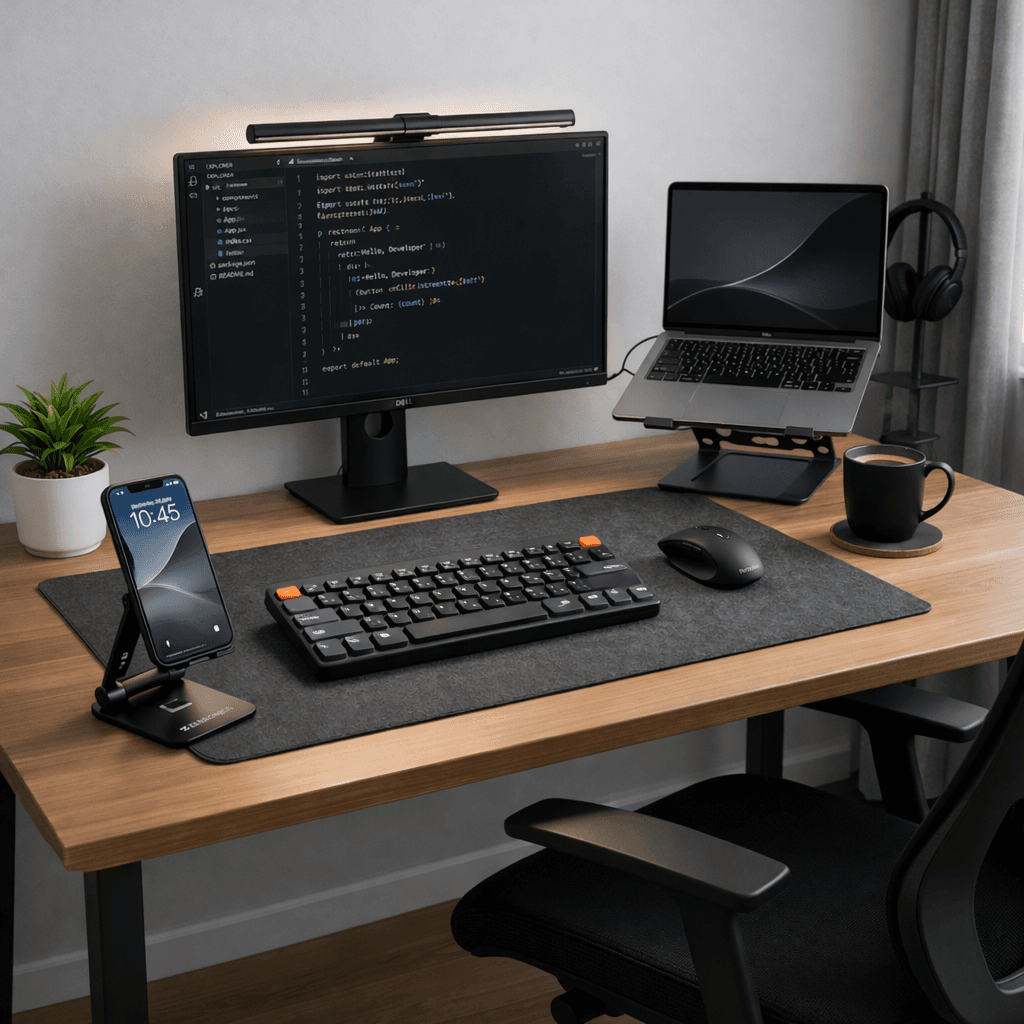
Featured In Workspaces
See real curated setups using this exact gear. Shop the whole look in one place.
Deep Dive
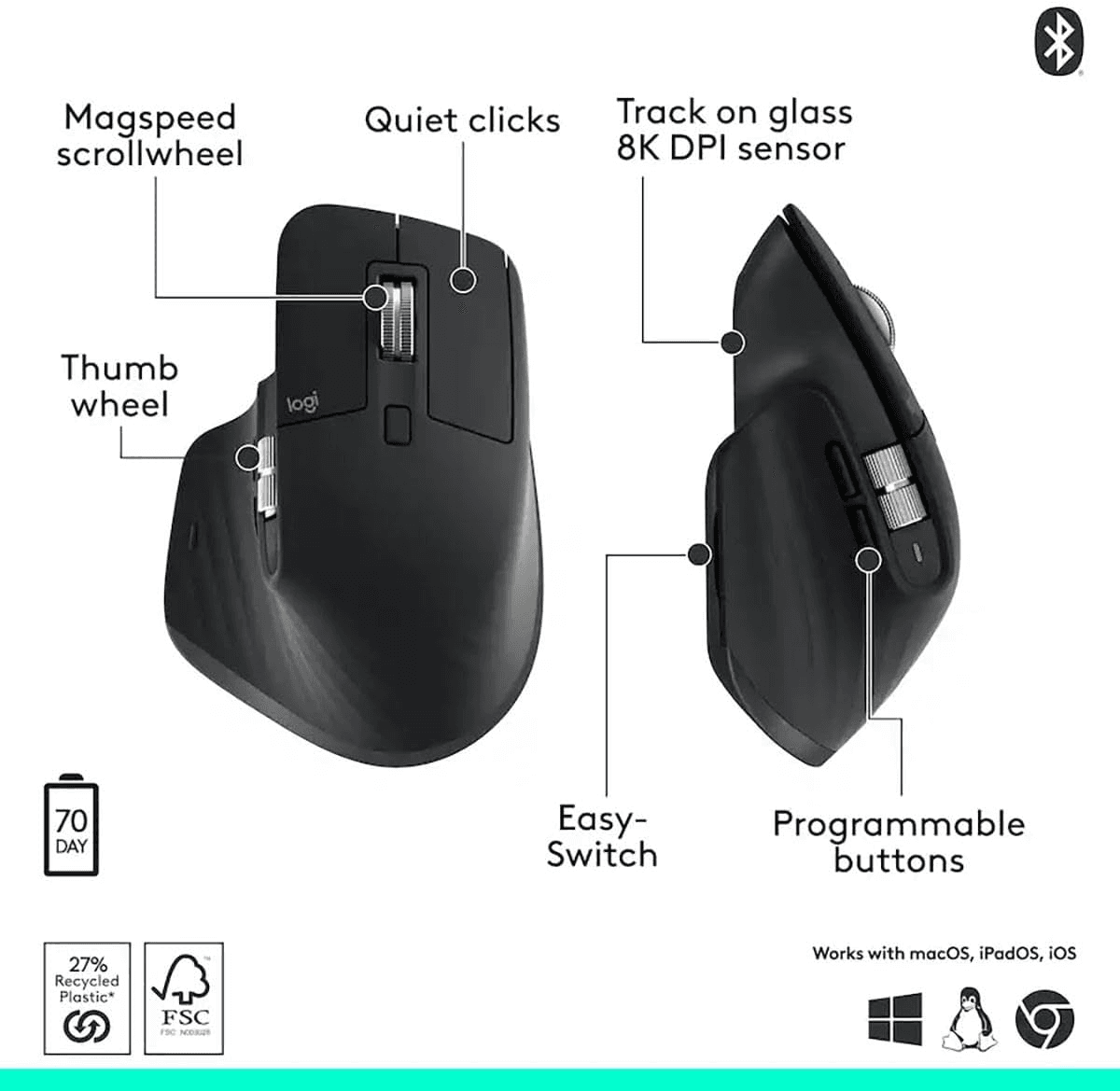
- 8K DPI Any-surface tracking: Use MX Master 3S cordless computer mouse to work on any surface - even glass (1) - with an 8000 DPI sensor with customizable sensitivity
- Quiet Clicks: MX Master 3S Bluetooth mouse with Quiet Clicks - offering the same satisfying feel but with 90% less click noise (2)
- Magspeed scrolling: A computer mouse with remarkable speed, precision, and near silence - MagSpeed scrolling is 90% faster (3), 87% more precise (4), and ultra quiet.
- Ergonomic design: Work comfortably with a precision mouse featuring a silhouette crafted for a more natural wrist posture and optimally placed thumb controls
- Countless Customizations: Customize buttons and optimize your workflow with App specific profiles in the Logi Options+ app (5)
- FLOW cross-computer control: Work seamlessly on multiple computers or laptops, and transfer text, images, and files - between Windows & macOS (5)
- Multi-device and multi-OS: Connect the comfort mouse with up to 3 devices via Bluetooth (6) on Windows, macOS, Chrome OS or Linux. Logi Bolt USB receiver not included.
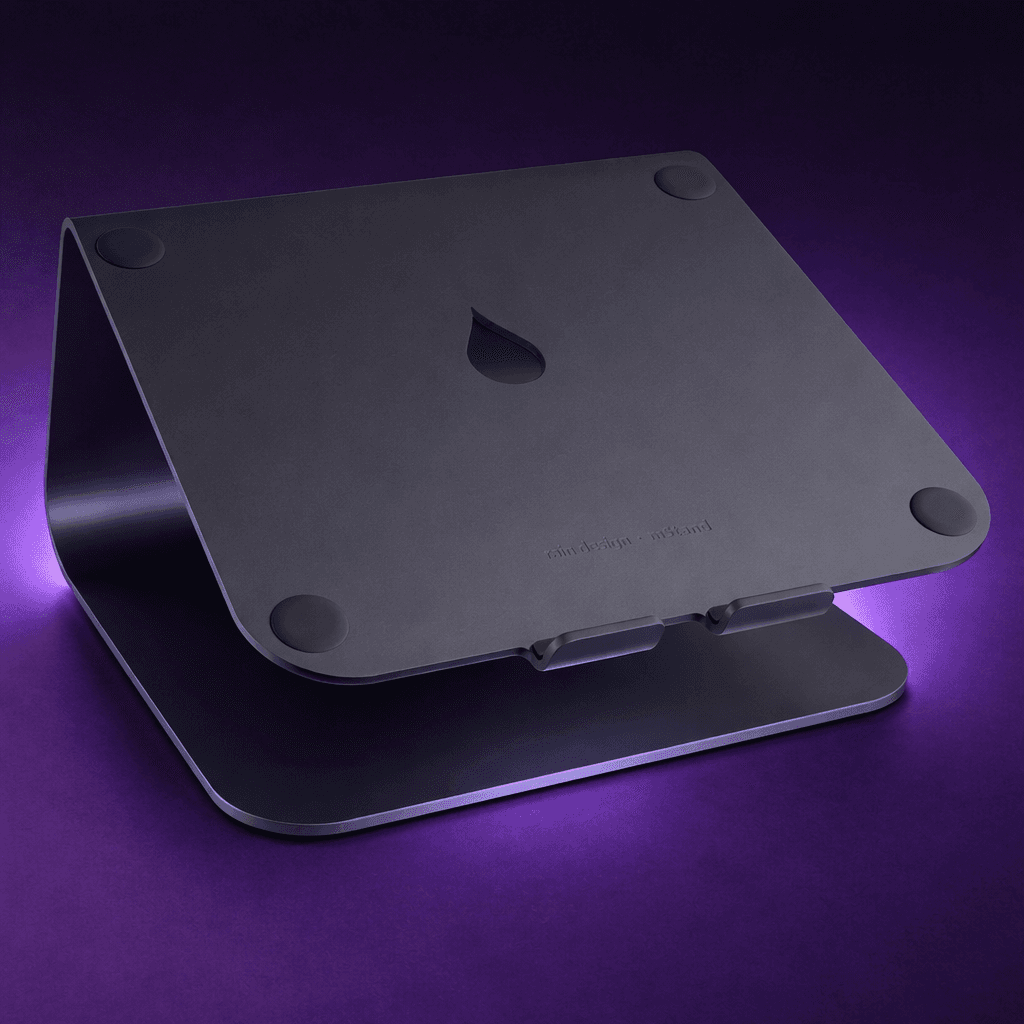
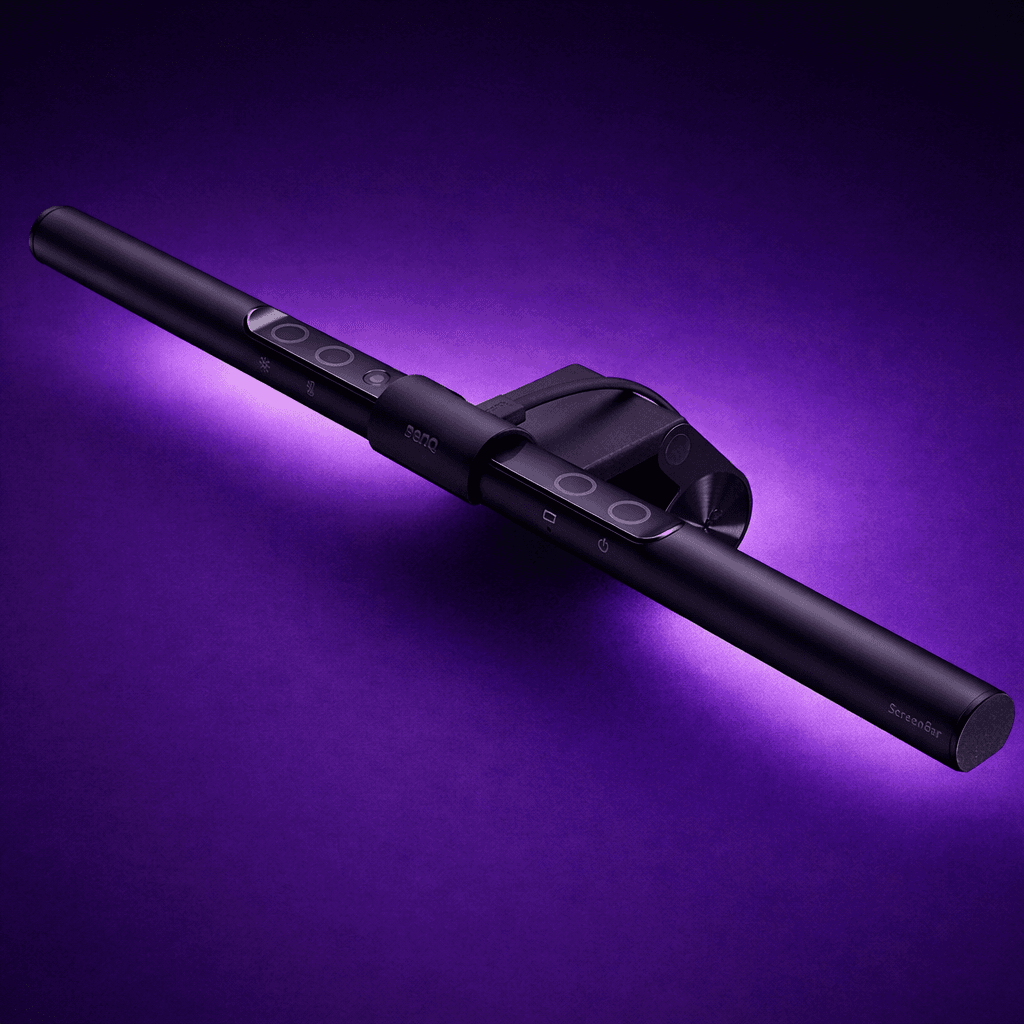
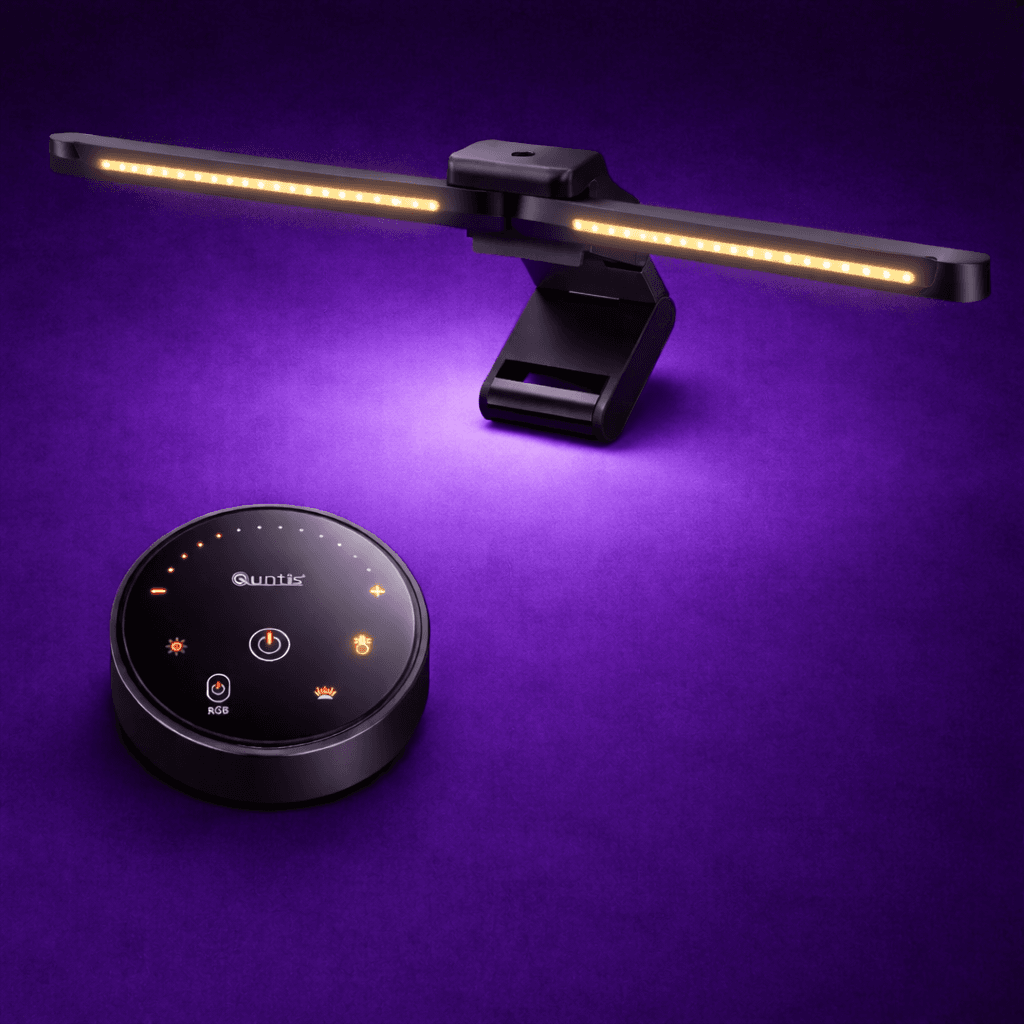
Related Gear
More options from the same category, curated with the same bar.
Related Reading
Context that helps you choose with confidence: comparisons and setup inspiration.


The Good
- Ergonomic design
- MagSpeed scroll wheel
- Silent clicks
- High DPI sensor (8000 DPI)
- Multi-device connectivity
The Tradeoffs
- Weight
Key Features
MagSpeed Electromagnetic Scrolling
Lets you scroll through 1,000 lines in a second with precision and near-silent operation.
Multi-Device Workflow
You can connect to up to 3 devices and switch instantly, plus use Logitech Flow to copy/paste text, images, and files across computers.
Customizable Buttons & Side Scroll Wheel
7 programmable buttons and a horizontal scroll wheel for faster navigation in apps like Excel, Photoshop, or browsers.
Quick Specs
- Sensor DPI
- 8000 DPI – tracks with high precision, even on glass surfaces.
- Scroll Wheel
- MagSpeed Electromagnetic wheel - ultra-fast, smooth
- Battery Life
- Up to 70 days on a full charge
- Connectivity
- Multi-device pairing (up to 3 devices)
- Ergonomics
- Sculpted, right-hand design with thumb rest
Tags
style
intent